How to Access Your Course
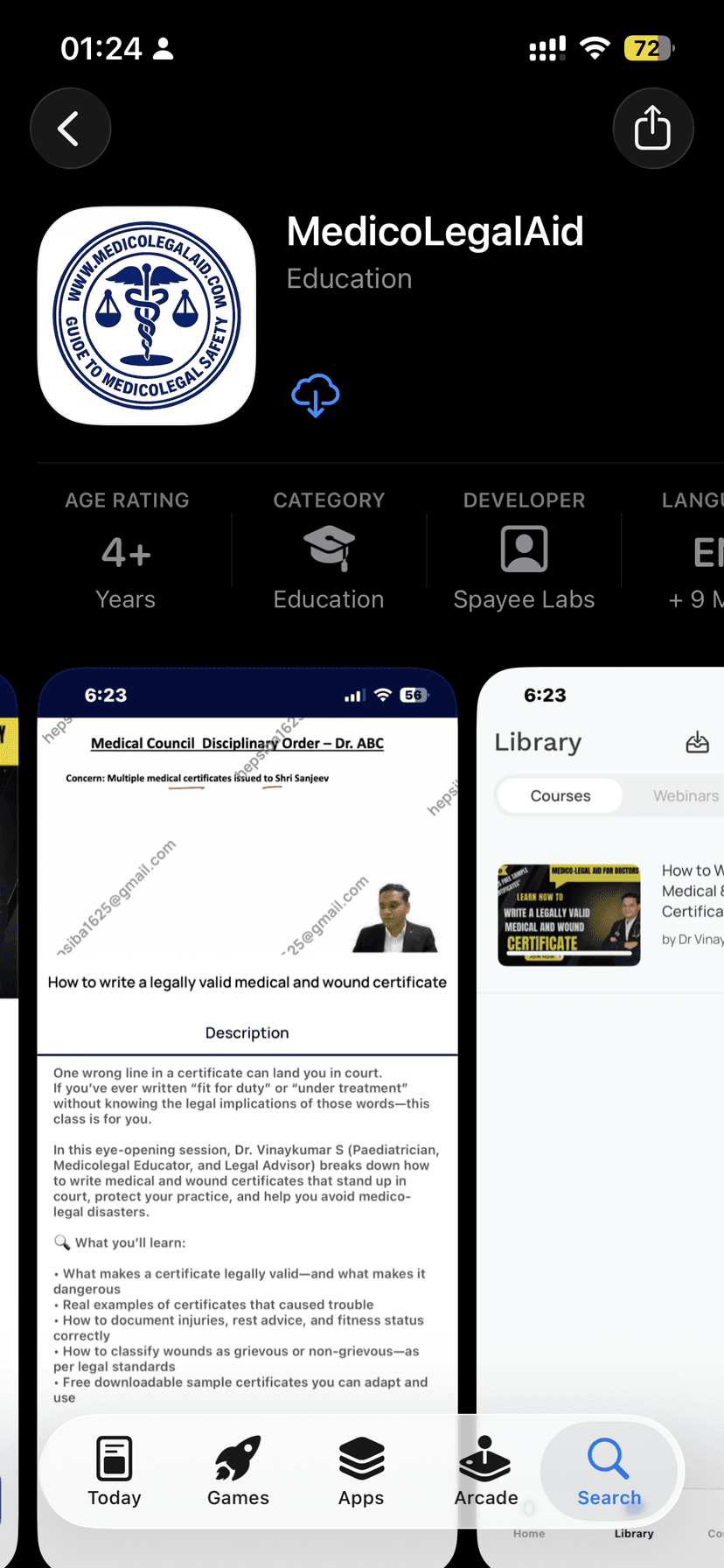
The easiest way is through the MedicoLegalAid app. Download it free on iOS or Android and start learning in minutes.
Download the free app


Available for iPhone, iPad, and all Android phones & tablets.
Download the App
Get the official MedicoLegalAid app — the best way to access your course. Works on all iPhones, iPads, and Android devices.
Then follow these steps — 5 steps total
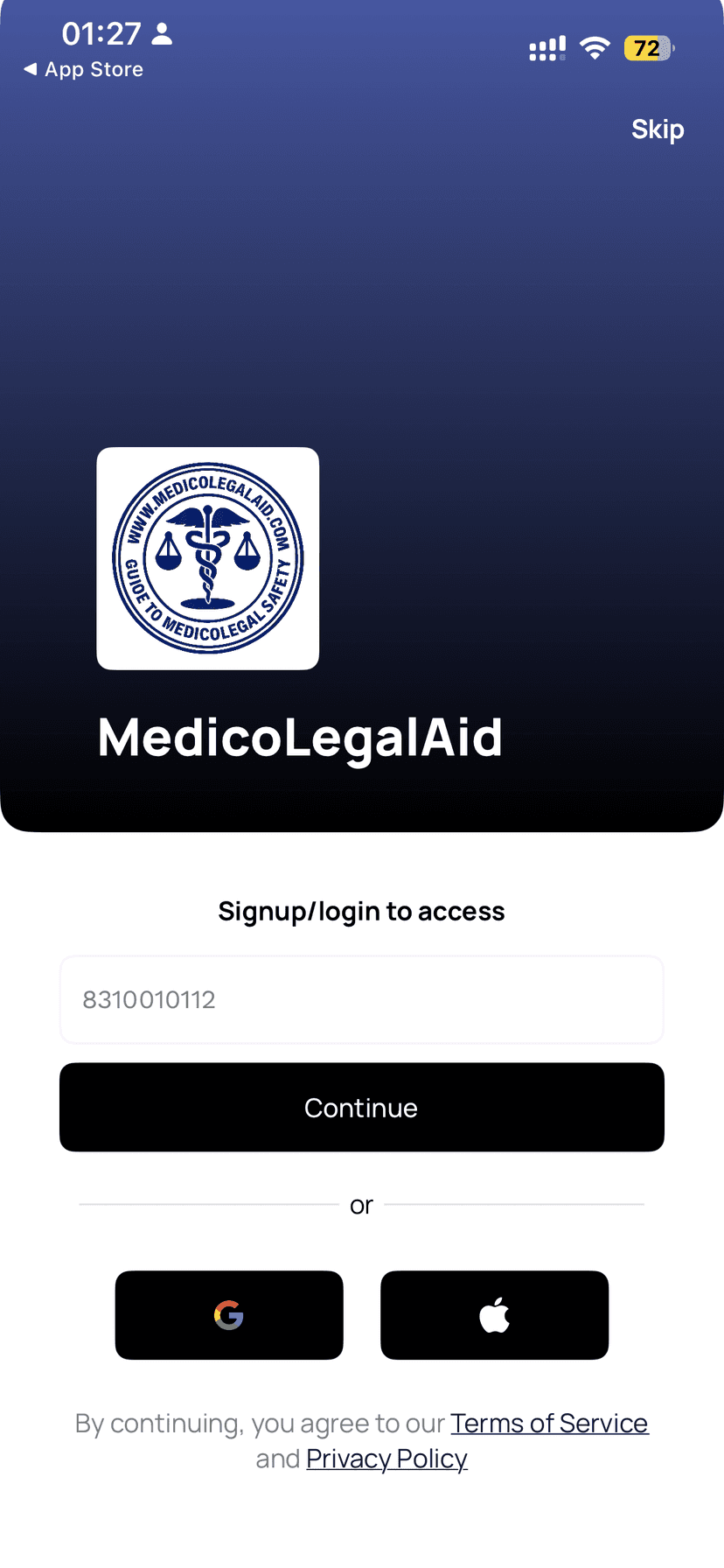
Enter your Mobile Number
Open the app and enter the registered mobile number you used to purchase the course.
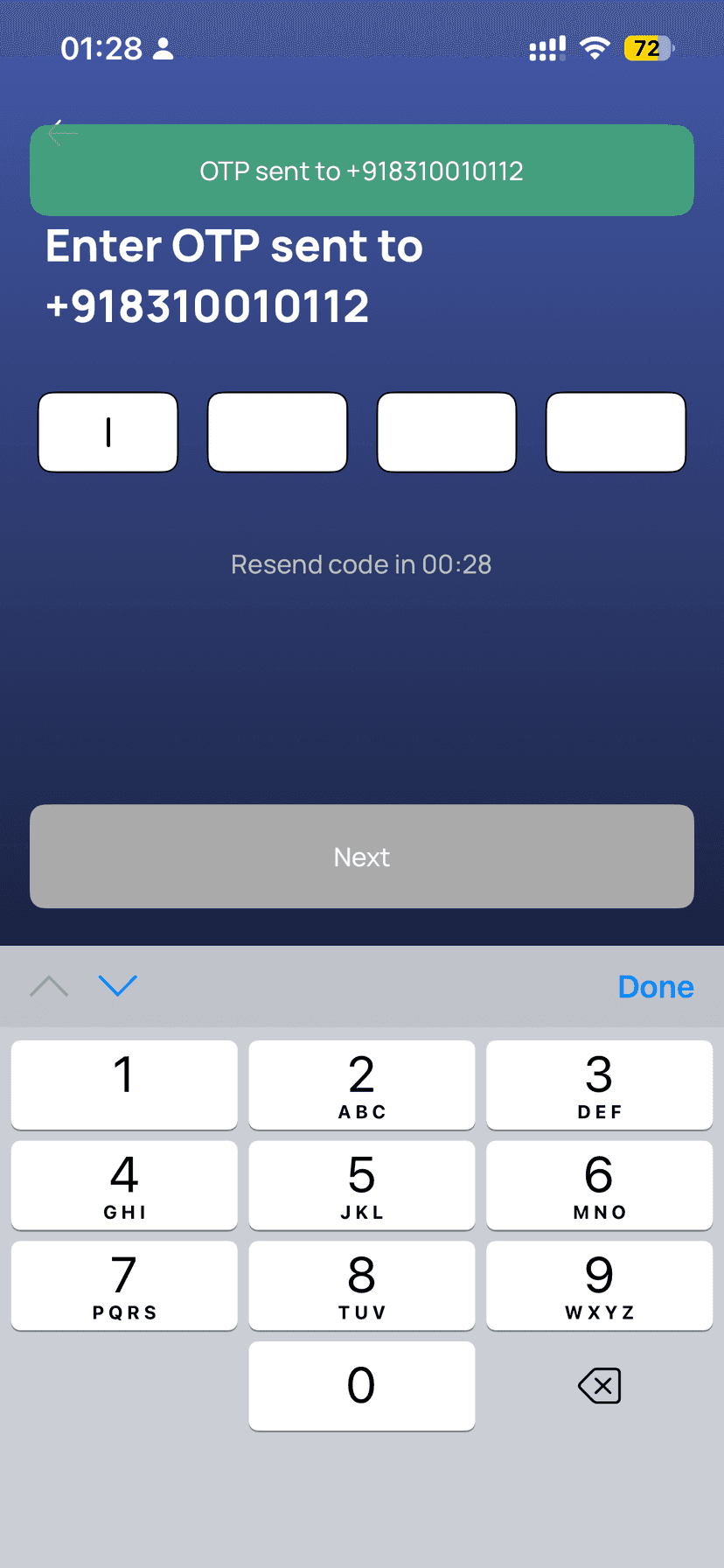
Enter the OTP
You will receive a 4-digit OTP via SMS. Enter it to log in securely — no passwords needed.
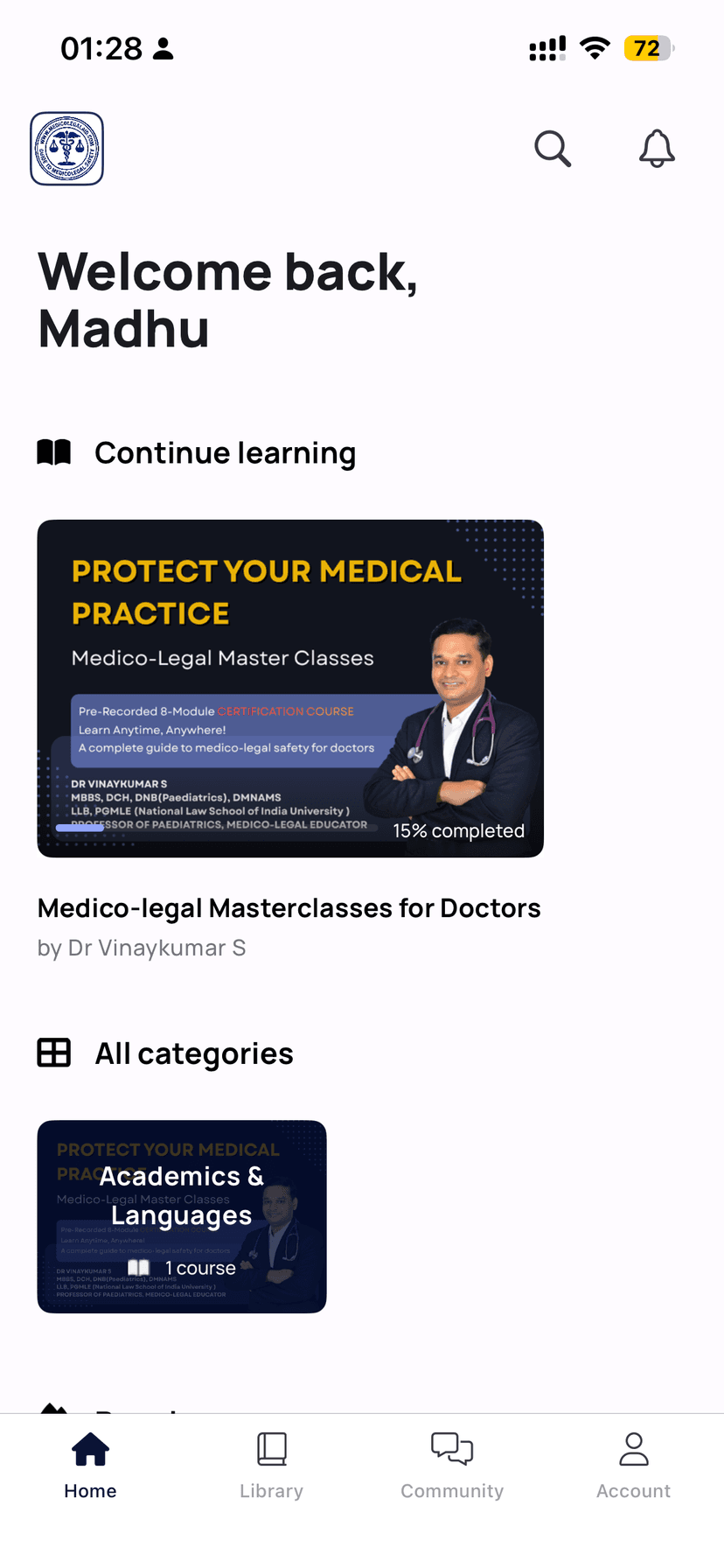
Tap on your Course
Go to the 'My Courses' or 'Store' section at the bottom of the app and tap your course to open it.
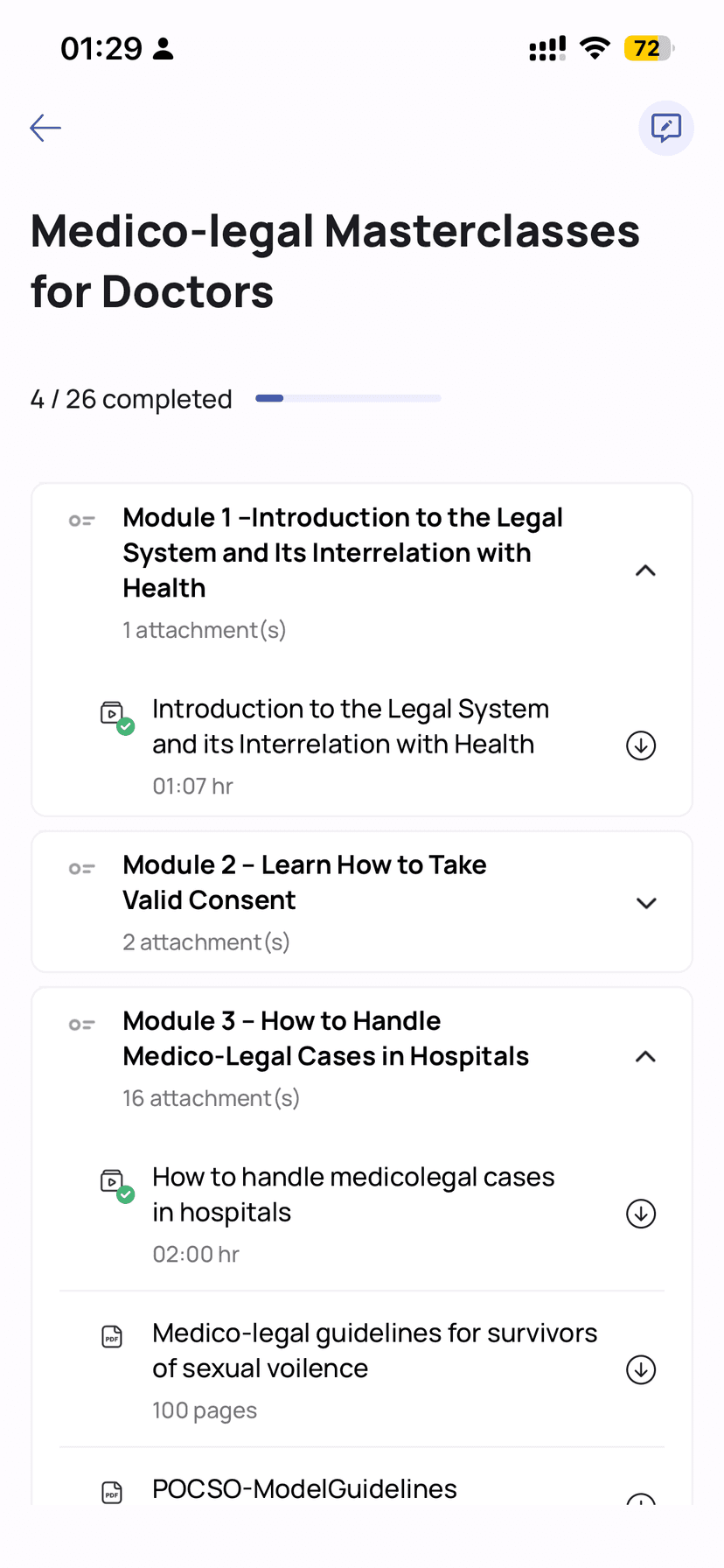
Select Module and Play
Tap on any video lesson from the module list on the left to start learning immediately.
🎓
You're all set — Start Learning Now
Your course is waiting. Open the app or go directly to the platform and begin your first module.